Workshop: Art

The Workshop is home to articles on the many different programs I've used. Though you may not be using these specific programs, you can find valuable platform independent tips in many of these articles.
 |
Revising the illustration for The Hunt required a new approach and created a much more realistic result. See how to distribute plants across a landscape and how to align a mask with an object sitting on a terrain. |
 |
Making the Second Ringclimber Illustration revisits the 1990s illustration of my second science-fiction novel, leveraging advanced human figures from DAZ and software such as Poser, Carrara, and Bodypaint 3D. |
 |
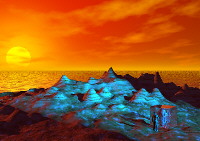
Making a World shows how to create an artificial planet for illustrations or science-fictional art. |
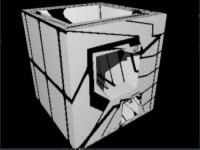 |
Using 3D Boolean Operations in Carrara can sometimes be frustrating. This article explores some of the issues and offers some help so you can get good cuts and better texturing after cutting. |
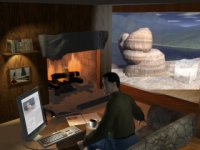 |
The Making of After The Expedition shows the stages in the development of this complex work. |
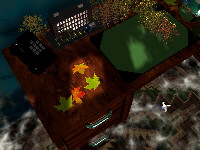 |
The Making of The True Relationship discusses, among other things, the use of transparency and glow maps to create lighted, translucent windows, leaves, and the inspiration for the rug as a landform... |
 |
Landscapes From Maps can help you create realistic or specific landscapes with nothing more than a contour or regular map. Painting Roads on Uneven Terrains can help with the issue of creating properly registered texture maps for complex synthetic surfaces in any program that supports terrains and projection mapping. |
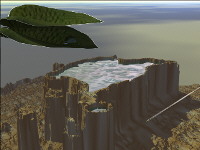 |
The making of View From A Height required the combination of Bryce, Carrara, and Photoshop to create the necessary effects. Have a look at this detailed discussion of terrains, terrain matching, spline modeling, and masked textures. |
|
|
A fairly detailed discussion of the making of each of these images, though not offering the full tutorial of a workshop article, can be interesting. Bryce, Carrara, and Canoma are discussed. The images are, in order: |
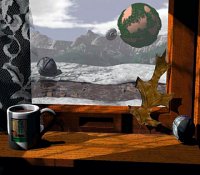 |
"The Brick Moon Window" is a new rendering of an old pastel image. It extends "The Brick Moon" using high quality image maps, filter mapping, and a variety of textures. |
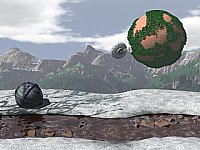 |
"The Brick Moon" is a new rendering of an old pastel image. It uses image mapping, particles, path extrusion, and complex modeling in the Imagine ray tracing program to accomplish its realistic effects. |
|
|
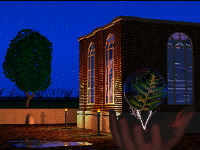
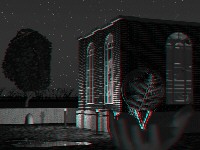
"Electricity Of Life" is the second in the series "A Home For Technology". It is a highly complex Imagine rendering that uses a wide variety of modeling and imaging techniques. This workshop shows how to use filter maps for various complex semi-transparent objects, how to create complex models from bitmap images, the use of particle systems for realistic trees, the use of part kits for complex components, and the distribution of lighting to create realistic effects. Also check out the tutorial on making your 3D image an anaglyph (one of those real 3D images that you need the red / blue glasses for). |
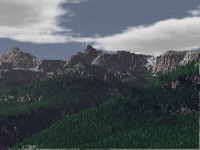 |
"A Basic Landscape In The Rockies" - World Construction Set allows the user to create realistic landscapes from Digital Elevation Maps. Follow the basic steps in the process as shown in the creation of this image, later used in "The Brick Moon". |
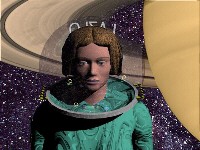 |
Learn about the making of the Ringclimber illustration, created with Imagine and ImageFX. |
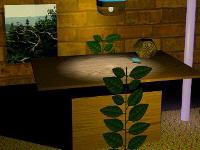 |
Learn more about how the new image "Still Life With Plants" uses the unique capabilities of Aladdin. |
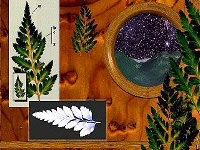 |
"Voyage Of The Ferns" illustrates more techniques on using genlock textures in Aladdin and how to mask complex images from scans using ImageFX. |
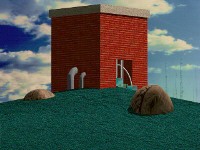 |
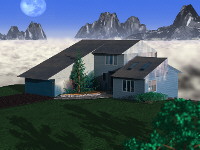
"The Brick House" is the first of a new series of images ("A Home For Technology"). Learn how I used Aladdin and ImageFX to create it. |